Recreate elite secure tunnels using our optimized proxy software executable. Native 911-alternative client.
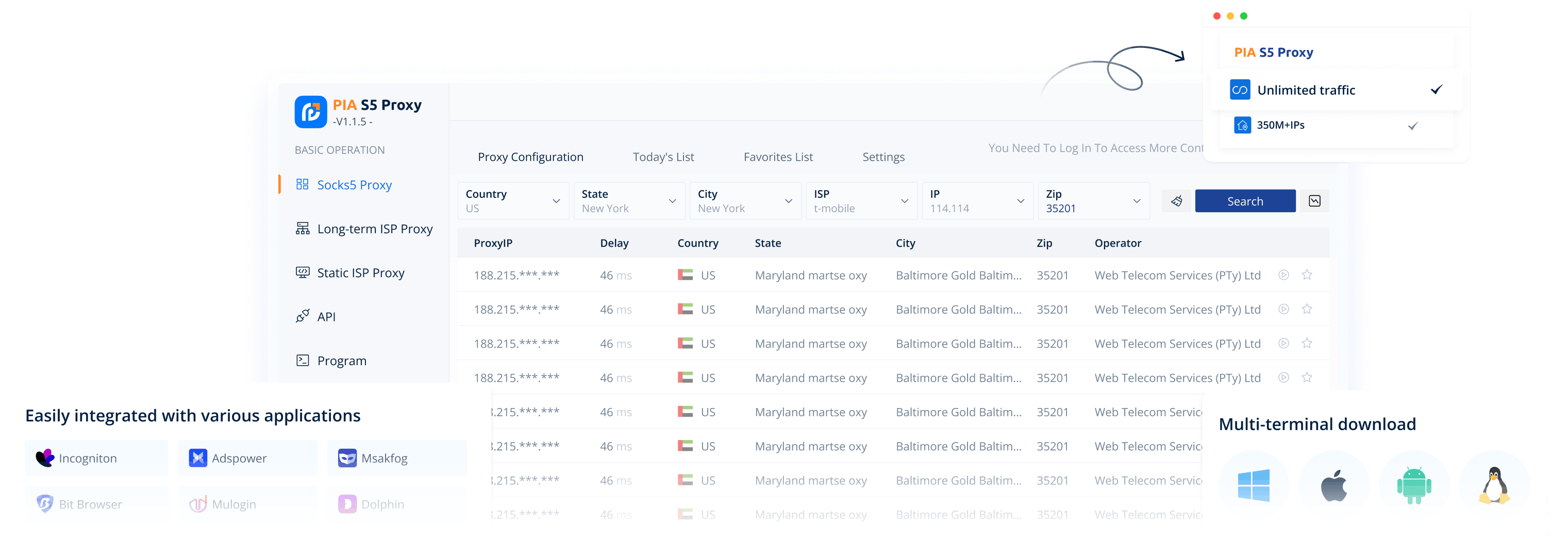
Choose a plan and pay. The desktop client is included once payment clears. There is no free public setup file to download first.
PricingA private installer URL and your sign-in details arrive at the address used at checkout. Give it a few minutes, and check spam before you assume it failed.
Run the executable, sign in, pick a geography, and bind a localhost port 40000 is the usual start. Point any compatible app at that port.
Verify that your desktop setup complies with network requirements. Click the diagnostic button below to run an automated check on SOCKS5 compatibility and local port status.
System diagnostics waiting to be requested.
Click the button to scan local memory structures and loopback socket compatibility.
> Allocating temporary bind socket on localhost:40000 to test thread accessibility...
*Your system is fully optimized for running our desktop Ssocks client. SOCKS5 loopback listeners can be safely allocated up to 20,000 threads without memory blocks.
Integrate our exported SOCKS5 proxies into popular multi-accounting software with our easy-to-use credential mapper.
In AdsPower, go to Single Import or edit a Profile. Set Proxy Type to SOCKS5, and enter the local proxy coordinates forwarded by our client manager.
Automate your script queries with standard HTTP GET links. Query active proxy nodes dynamically without physical software. Ideal for Linux server environments.
